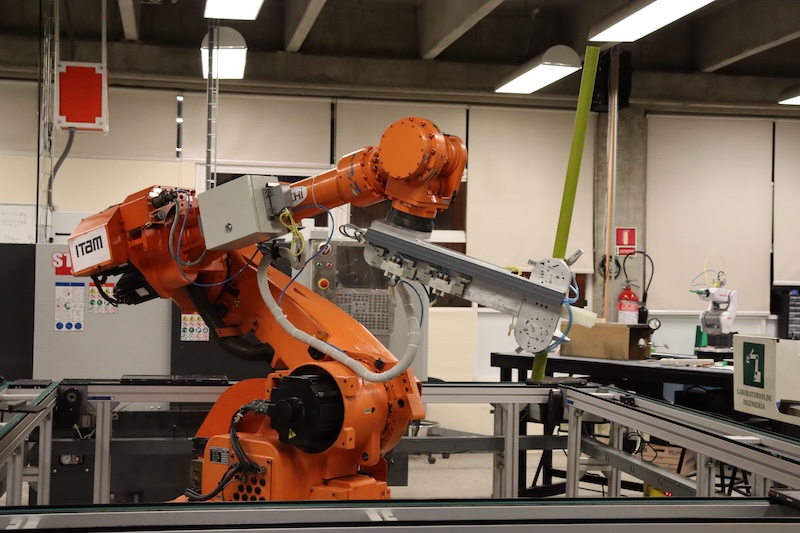
A robotic packing line can continue operating even if a separate digital display showing its output stops updating. The machinery remains productive, but supervisors may lose access to the information they use to coordinate packing, pallet collection and dispatch.
That makes the computer behind the display more than an accessory. Where signage helps keep people informed on the factory floor, the computer’s operating conditions and failure behaviour deserve attention during system design.
Choose hardware for the installation conditions
The computer’s location is often dictated by the display it serves, available cabling and maintenance access. Beside a robotic production line or inside a loading-bay enclosure, the task is to choose hardware that can operate reliably in that position.
Where possible, temperatures should be measured at the computer’s intended location under representative operating conditions. A factory floor could reach 28°C, while heat accumulating inside the enclosure takes the player’s surroundings to 46°C. In this illustrative case, a computer with a maximum operating temperature of 40°C would be unsuitable, even though the surrounding factory environment remains within that limit.
Cold conditions matter too. Equipment in an unheated loading bay may need to start before the morning shift, when temperatures are lower than during normal working hours.
For these installations, wide-temperature digital signage computers can provide operating ranges suited to the measured extremes. Selection should account for both startup and continuous operation, with enough allowance for seasonal changes and heat generated during production.
A wider rating does not remove installation constraints
Choosing a computer with a broader temperature range does not compensate for an unsuitable enclosure or configuration.
Operating temperature ratings can depend on the computer’s hardware configuration and cooling requirements. For example, a system fitted with an industrial wide-temperature solid-state drive may support a broader operating temperature range than the same system configured with a conventional hard disk drive.
Manufacturers may also specify minimum airflow requirements or other installation conditions for extended-temperature operation. Installing a computer in a sealed cabinet without accounting for heat removal could therefore compromise its reliability, even if its published temperature rating appears suitable.
The practical point is to assess the complete assembly. The player, power supply, and display each have operating limits, while the enclosure affects the conditions they experience. Fanless equipment still needs to dissipate heat.
Other environmental conditions can also influence hardware selection. Equipment installed near machinery may be subject to vibration, while dusty production areas or facilities requiring regular washdowns present different challenges. Relevant vibration and ingress protection specifications should therefore be assessed separately from operating temperature limits.
A running computer can still show unreliable information
Environmental resilience addresses only one potential cause of signage failure. A player may continue displaying content after losing its connection to production software.
At a robotic palletising cell, an unchanged completed-load count could be mistaken for a production stoppage. Alternatively, a screen displaying an old target could leave the next shift working from superseded instructions.
A timestamp showing when production data was last refreshed can help operators assess whether the information remains current. Where updates stop, a connection warning can make that failure visible instead of leaving an apparently healthy dashboard.
Acceptance testing should cover recovery after network interruptions, including whether live figures resume updating, as well as power recovery and operation at representative temperatures.
Informational signage should complement, rather than replace, dedicated machine control interfaces and safety-critical warning systems.
Industrial signage helps people act on what automated equipment is doing. That requires both suitable hardware and clear status information. Specifying and testing them together gives engineers a stronger basis for dependable production visibility than choosing a player based on temperature rating alone.
Main image by Diego Martinez, Pexels
