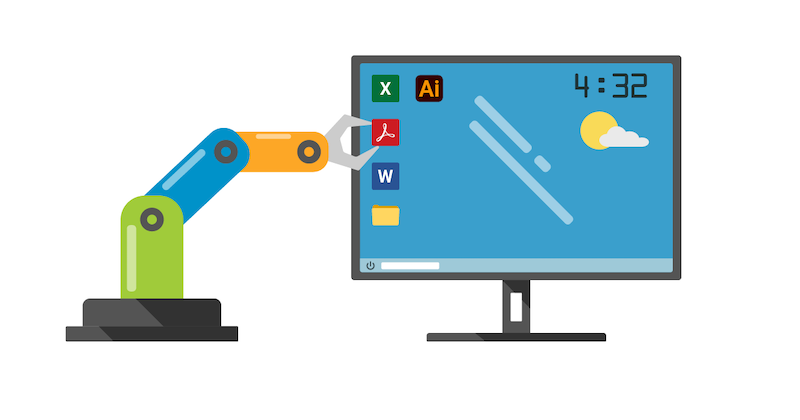
Remote laptops fall behind on updates fast. A MacBook that rarely visits the office and a Windows laptop on a home network can both miss critical patches for weeks, and every outdated browser or PDF reader is an opening for attackers.
Patch management software closes that gap by finding missing updates, deploying them automatically and showing which vulnerabilities still need attention.
Below, we compare six established patch management tools on the features sysadmins care about most: third-party patching, automation, vulnerability management, Windows and macOS support and how easy each one is to run day to day.
Key Takeaways
- PDQ is our top pick for IT teams that want automated software updates, vulnerability remediation and endpoint management for Windows and macOS in one cloud-based platform.
- NinjaOne suits teams that want patching inside a broader monitoring and remote management platform.
- Automox fits teams that want policy-driven patching across Windows, macOS and Linux.
- ManageEngine Endpoint Central works for organizations buying patching as part of a wider endpoint management suite.
- Microsoft Intune makes sense for Microsoft-centered environments built around Entra ID.
- Action1 is a strong option for smaller fleets, with the first 200 endpoints free.
Best Patch Management Tools Compared
| Tool | Best for | Operating systems | Third-party patching | Vulnerability management | Starting price |
|---|---|---|---|---|---|
| PDQ | Easy, automated Windows and macOS patching | Windows, macOS | Yes | Built in | USD 12 per device per year |
| NinjaOne | Patching plus monitoring and remote support | Windows, macOS, Linux | Yes | Available | Quote-based |
| Automox | Policy-driven cross-platform patching | Windows, macOS, Linux | Yes, on higher plans | Available | Plan-dependent |
| ManageEngine Endpoint Central | Patching within a broader endpoint suite | Windows, macOS, Linux | Yes | Edition-dependent | Quote-based |
| Microsoft Intune | Microsoft identity and device policy | Windows, macOS, mobile | Windows app catalog | Via Microsoft security tools | Per-user licensing |
| Action1 | Small fleets on a tight budget | Windows, macOS, Linux | Yes | Built in | First 200 endpoints free |
How We Chose These Tools
We compared each tool on the capabilities that decide whether patching actually keeps up in a hybrid fleet: reaching off-network devices without a VPN, covering third-party applications as well as operating systems, automating deployments, prioritizing vulnerabilities and managing Windows and macOS through a clear workflow.
We also considered ease of use and how transparent each vendor is about pricing. Features and plans change, so confirm current details with each vendor before you buy.
1. PDQ
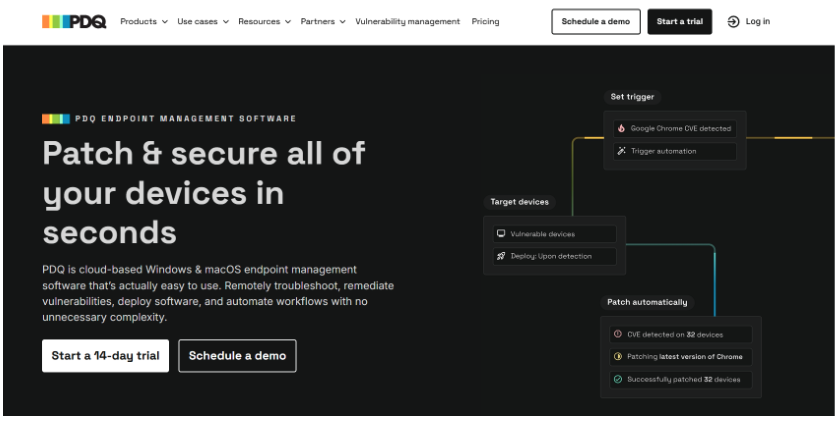
Overview: PDQ simplifies patch management by combining automated software updates, vulnerability remediation and endpoint management for Windows and macOS in one intuitive, cloud-based platform.
Key features:
- Automated patching for Windows updates and third-party apps
- A Package Library of hundreds of common apps, plus custom packages
- Built-in vulnerability management that finds, prioritizes and remediates CVEs
- Deployment, inventory and remote desktop with no VPN required
Strengths: Windows and macOS share the same easy workflows, and pricing is transparent, starting at USD 12 per device per year. More than 30,000 sysadmins trust the platform.
Limitations: Linux servers need a separate tool. Niche software outside the Package Library requires a custom package.
Best for: Windows-first teams managing more Macs that want automated patching and vulnerability remediation in one place.
2. NinjaOne
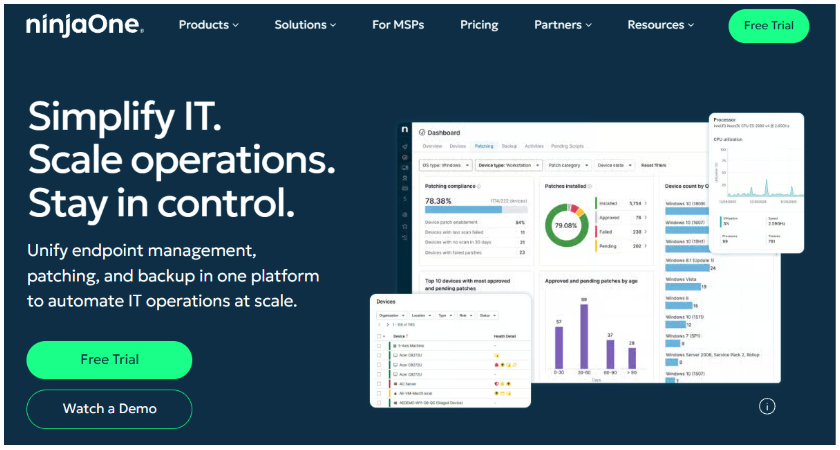
Overview: NinjaOne is a remote monitoring and management platform that includes patch management alongside device monitoring, alerting and remote access.
Key features:
- OS and third-party patching for Windows, macOS and Linux
- Endpoint monitoring and alerting
- Remote access for troubleshooting
- Scripting and automation with hardware and software inventory
Strengths: NinjaOne gives teams that handle monitoring and support as well as updates a single console for day-to-day operations. Its broad feature set suits MSPs and internal IT teams with wide responsibilities.
Limitations: Pricing is quote-based, so the full cost depends on fleet size and modules. Teams that only need patching may pay for capabilities they won’t use.
Best for: IT teams and MSPs that want patching bundled with monitoring and remote support.
3. Automox
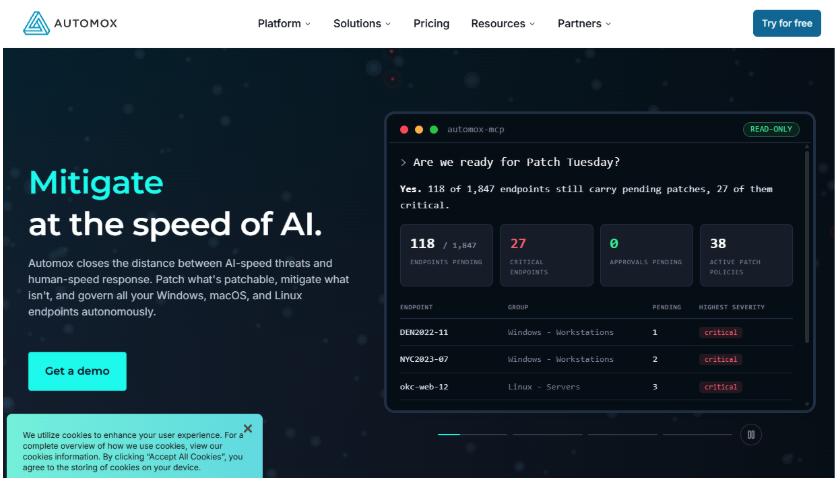
Overview: Automox is a cloud-native platform for automated patching and configuration across Windows, macOS and Linux.
Key features:
- Cloud-native agent that reaches remote devices without a VPN
- OS patching across Windows, macOS and Linux
- Third-party application patching on higher plans
- Policy-based automation and scripting
Strengths: Automox’s policy-driven approach lets teams define patching rules once and apply them across mixed operating systems. Its cloud architecture avoids on-premises servers.
Limitations: Third-party patching isn’t included in the entry-level plan, so check which tier covers your needs. Higher plans are custom-priced.
Best for: Teams that want policy-driven patching across Windows, macOS and Linux.
4. ManageEngine Endpoint Central
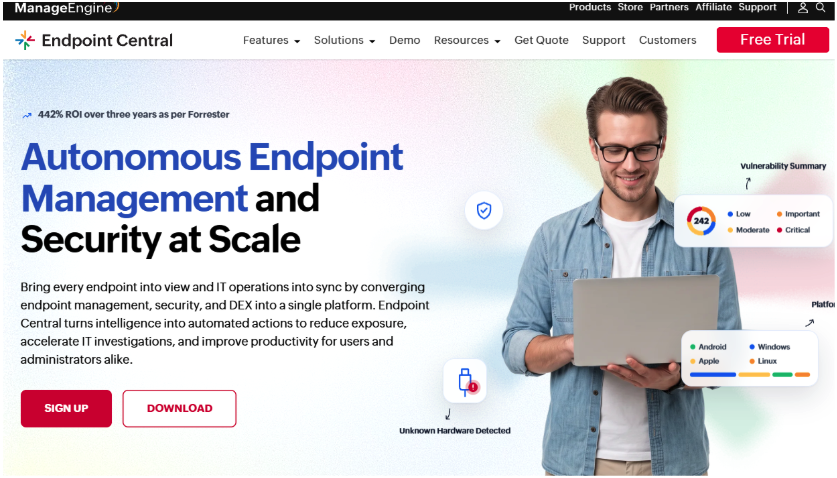
Overview: ManageEngine Endpoint Central is a unified endpoint management suite that includes patch management, software deployment and broader device management.
Key features:
- Patching for Windows, macOS and Linux, including third-party apps
- Software deployment and asset inventory
- Remote troubleshooting tools
- Cloud and on-premises deployment options
Strengths: Endpoint Central covers a wide range of endpoint management needs in one suite. A free edition is available for very small environments.
Limitations: Several editions and add-ons make feature selection more complex. Pricing depends on edition, endpoint count and technician seats.
Best for: Organizations buying patch management as part of a broader endpoint management and security suite.
5. Microsoft Intune
Overview: Microsoft Intune is Microsoft’s cloud-based endpoint management service for enrolling, configuring and securing devices.
Key features:
- Device enrollment and configuration for Windows, macOS and mobile devices
- Windows update management
- Integration with Microsoft Entra ID and Conditional Access
- App deployment and management
Strengths: Intune fits naturally into Microsoft-centered environments, and many organizations already have access through Microsoft 365 licensing.
Limitations: Its prepared third-party app catalog covers Windows apps only, so Mac third-party updates need another approach. Advanced capabilities may require additional licensing.
Best for: Organizations standardized on Microsoft identity and device policy.
6. Action1
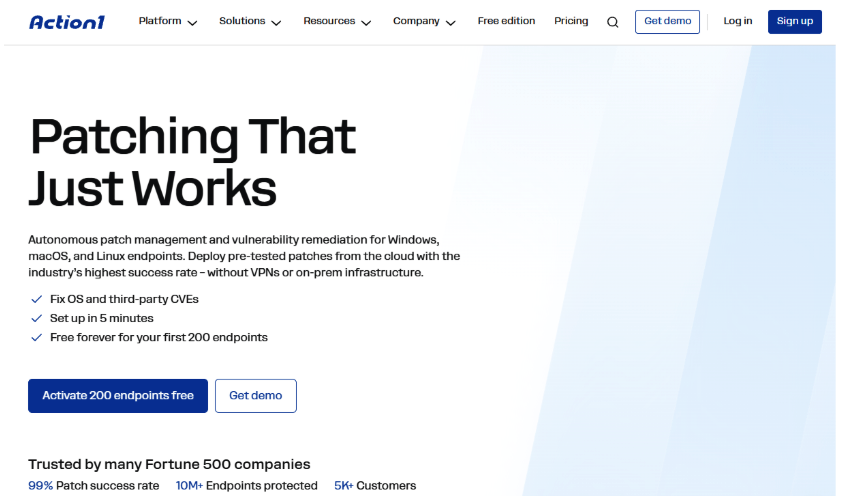
Overview: Action1 is a cloud-native patch management platform with a free tier for the first 200 endpoints.
Key features:
- OS and third-party patching for Windows, macOS and Linux
- Vulnerability scanning and severity-based prioritization
- Staged rollouts with deployment rings
- Built-in remote access
Strengths: The free tier covers 200 endpoints with no time limit or feature caps, which makes it easy for small organizations to start patching without a budget.
Limitations: Pricing beyond 200 endpoints requires a quote. The free edition relies on community support.
Best for: Small IT teams that need capable patching at no cost for a limited fleet.
How to Choose the Right Patch Management Tool
Map your operating systems. If your fleet is Windows and macOS, a tool that manages both through the same workflow saves time. If you also run Linux servers, confirm Linux coverage.
Check third-party coverage. Operating system updates are only part of the job. Confirm the tool patches the browsers, PDF readers and collaboration apps your team actually uses.
Look for built-in vulnerability management. Prioritizing CVEs by risk lets you patch the most dangerous software first instead of working through updates blindly.
Test automation on a pilot group. Roll scheduled deployments to a small group of devices before going fleet-wide, and confirm how the tool handles reboots and failures.
Pair patching with good device habits. Patching works best alongside sound security practices, such as the digital cleanliness habits that keep passwords, software and accounts in good shape.
Compare total cost. Look past entry prices to the plan that includes the features you need, and account for minimums, add-ons and support.
Frequently Asked Questions
What is the best patch management software?
For IT teams managing Windows and macOS devices, PDQ is our top pick because it combines automated software updates, vulnerability remediation and endpoint management in one easy-to-use, cloud-based platform.
What is patch management software?
Patch management software identifies missing operating system and application updates on your devices, deploys them and confirms they installed. Most tools also inventory hardware and software and report on patch compliance.
Do I need a VPN to patch remote devices?
Not with agent-based cloud tools. An agent on each device connects to the management service over the internet, so devices can be patched wherever they are.
What’s the difference between OS patching and third-party patching?
OS patching updates the operating system itself, such as Windows or macOS. Third-party patching updates installed applications, such as browsers and PDF readers, which are frequent targets for attackers.
Is there free patch management software?
Yes. Action1 offers its platform free for the first 200 endpoints, and ManageEngine Endpoint Central has a free edition for small environments. Paid tools such as PDQ offer free trials so you can test them on your own devices.
