
Short answer: For marketers producing several asset types, a consolidated workspace like Getimg.ai usually beats stitching together separate tools, because it removes the credit sprawl and the export shuffle.
For pure cinematic video, Runway and Luma go deeper. For teams already inside Adobe or Canva, staying put often wins on approval workflow alone.
The list below is organised by what each tool is built for rather than ranked, because the right answer depends on what you publish and how often.
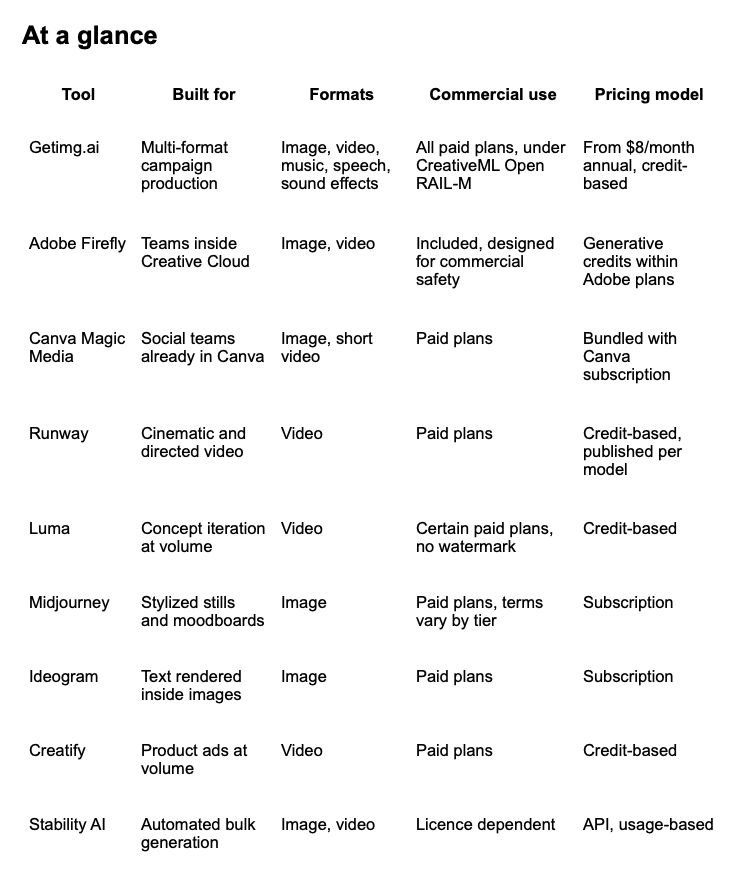
Confirm current pricing and licence terms before subscribing. This category changes monthly.
How to choose in five minutes
List the formats you actually ship. Stills only is a different decision from stills plus fifteen-second social video plus voiceover.
Check commercial rights for the exact tier you intend to buy. Several platforms restrict commercial use to paid plans, and some attach licence conditions on top.
Model credits against real output. Take last month’s asset count, add revisions, then check what that costs. Revisions are where credit budgets actually go.
Decide between prompt control and templates. Detailed prompt controls reward teams with the skill to use them. Templates get everyone else to a publishable asset faster.
Account for seats and storage if more than one person touches brand files.
Then test your shortlist with the same brief. Comparing like outputs is the only reliable way to judge quality, editing time and true credit consumption.
1. Getimg.ai, for multi-format campaign production
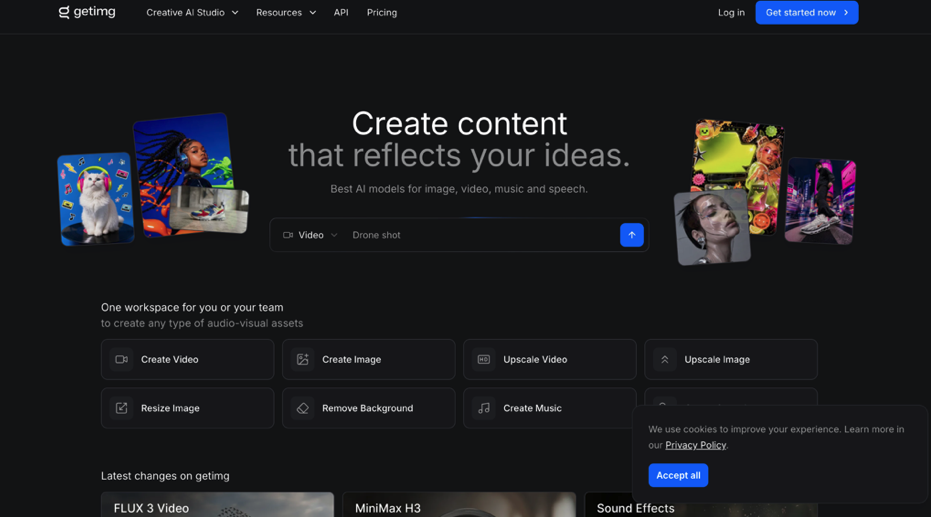
Small teams lose more time moving assets between tools than they lose generating them. That is the problem Getimg.ai is built around.
It runs image, video, music, speech and sound effect generation in one workspace, alongside the editing jobs that usually mean a second application: image and video upscaling through Topaz Labs and Clarity AI, smart resizing, background removal and background replacement.
The model access is the real differentiator. Rather than picking a platform and inheriting whichever model it licensed, you get the current roster in a single subscription, auto-selected for the task.
On the image side that spans Seedream, FLUX.2 and FLUX 3, Nano Banana 2, GPT Image, Qwen, Z-Image Turbo and Grok Imagine.
On video it covers Kling, Seedance, Google Veo 3.1, Sora, Wan, Gemini Omni, MiniMax Hailuo 02 and H3, and Grok Imagine, with most of those families offering several model versions rather than one.
Two recent additions matter for campaign work. FLUX 3 generates video with synchronized audio and first and last frame keyframe control, and MiniMax H3 runs at 2K with keyframe and reference image control. Reference image control is what keeps a product looking like your product across a set.
The Kling inclusion is worth noting separately. Curious Refuge’s 2026 model testing scored Kling 3.0 at 8.1 out of 10 overall with visual fidelity at 8.4, the highest in that field. Reaching a benchmark-leading model through a consolidated subscription rather than a separate account is the practical argument for aggregation.
Audio is handled in the same place through Eleven Music 2 and Eleven Sound Effects 2, plus Lyria 3, which removes the usual scramble for a soundtrack that clears licensing.
On credits and rights. Four paid tiers, all carrying commercial rights.
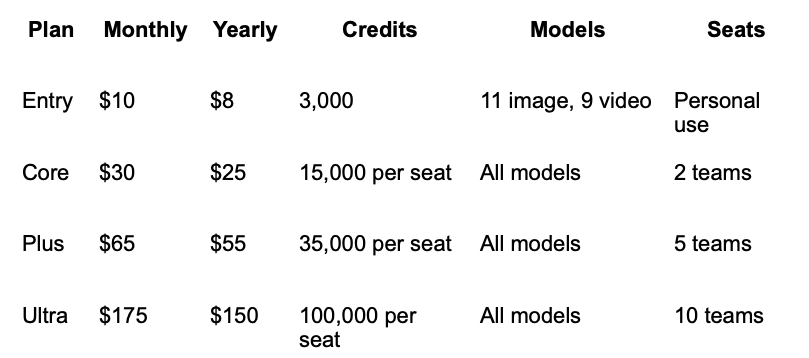
Yearly billing saves 20%. The genuinely useful part is that Getimg publishes what each allowance converts into, which almost nobody in this category does.
On Entry, 3,000 credits is roughly 200 FLUX.2 images, or 100 Seedream images, or 10 Kling videos, or 60 Seedance videos, or 1,000 generated tracks. On Plus, 35,000 credits reaches around 2,333 FLUX.2 images or 116 Kling videos.
That conversion is the number to plan against, because it answers what a month of output actually costs rather than what a subscription costs. The platform also displays the credit cost of an action before you confirm it, which prevents a surprising amount of budget leakage.
Two caveats on the entry tier. Google Veo is not included on Entry, and Entry is single-user with no team workspace, so a shared brand library starts at Core.
Paid plans permit commercial use of generated images and video, adhering to the CreativeML Open RAIL-M licence, which carries use restrictions rather than granting unrestricted ownership. Read it against your own campaign before publishing.
Worth knowing: credits do not roll over month to month, and API credits sit outside subscription plans entirely, though a subscription is not required to use the API. Team features are available for small teams and at enterprise level.
2. Adobe Firefly, if approvals already live in Adobe
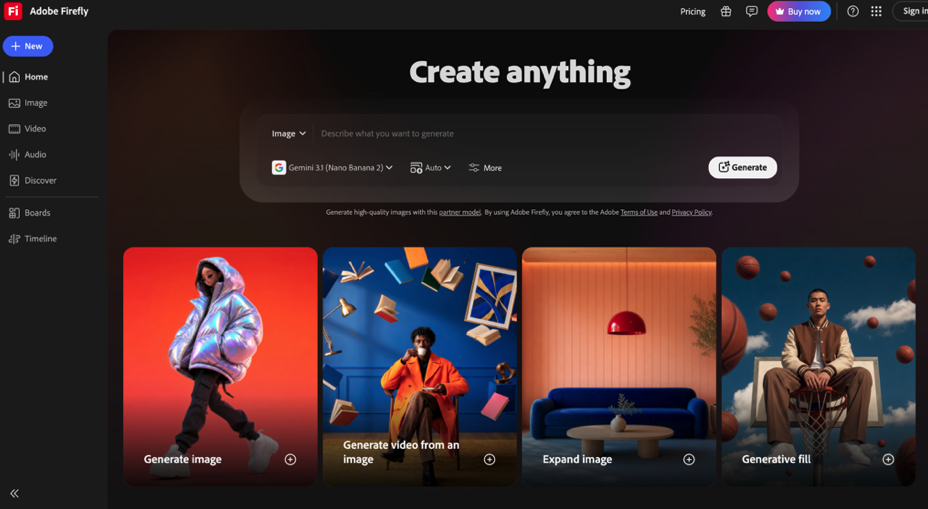
Firefly makes sense when brand kits, templates and sign-off processes are already inside Creative Cloud. The generative credit model extends to text-to-video, so estimate output before choosing a tier.
The strongest argument is not the generation quality. It is that the asset never leaves the system your reviewers already use.
3. Canva Magic Media, for social-first teams
Same logic, different stack. If your social assets are already built in Canva, generating inside it removes an export step and keeps everything on brand templates.
Dedicated generators offer more granular prompt and model control. Canva offers fewer decisions, which for a small social team is often the point.
4. Runway, for directed video
Runway publishes credit requirements per model, which makes it unusually easy to forecast the cost of producing and revising a short campaign video.
It rewards teams who want directorial control over motion and camera behaviour rather than a usable clip from a single prompt.
5. Luma, for concept iteration
Luma permits commercial use without watermarks on certain paid plans, and the higher credit allowances suit teams running several rounds of concept development before anything is approved.
Check export settings and plan terms first, since both vary more than the marketing pages suggest.
6. Midjourney, for stylized stills
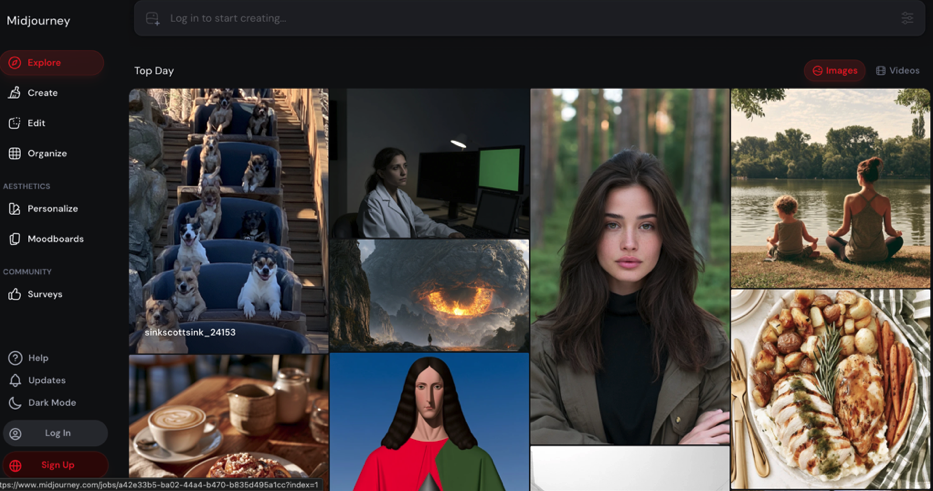
Still the default for moodboards and stylized concepting. Review current commercial terms before placing output in a paid campaign, since they differ by tier.
7. Ideogram, when text sits inside the image
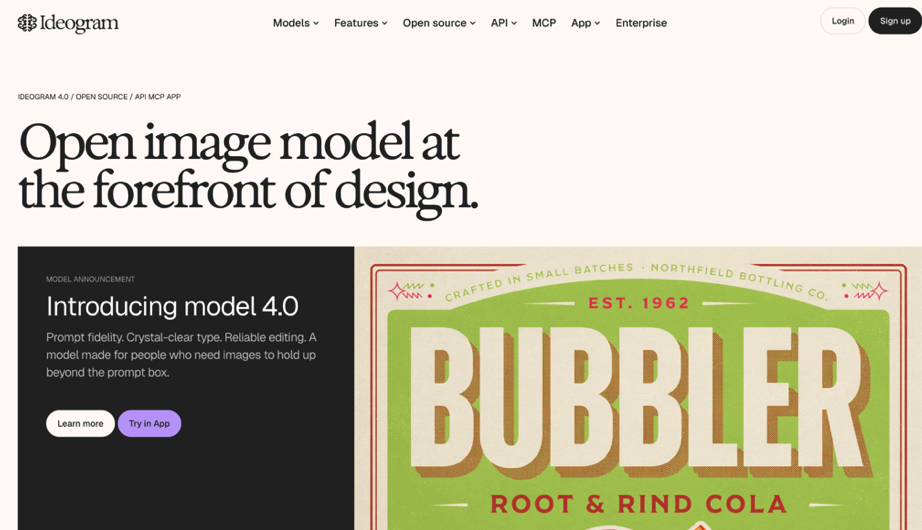
Most image models still mangle typography. Ideogram is the practical choice when a headline, label or logo has to render legibly inside the frame.
8. Creatify, for product ads at volume
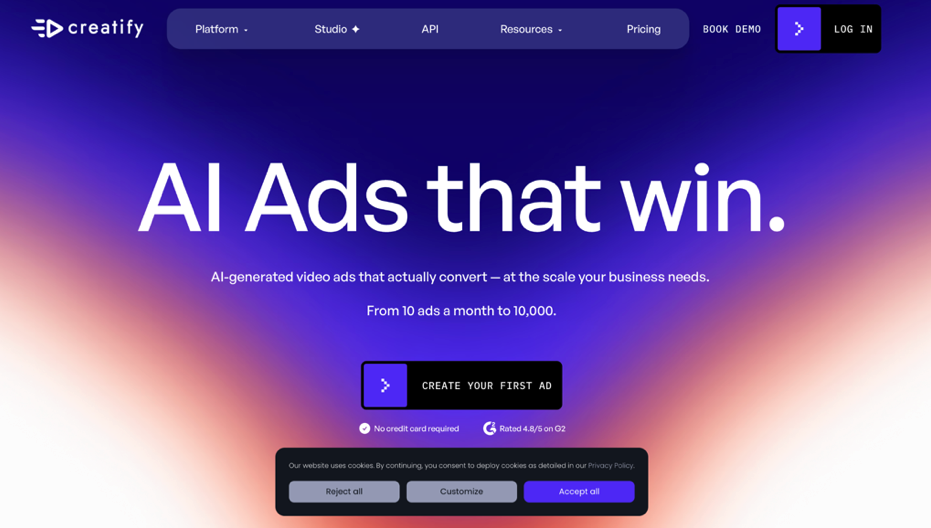
Built narrowly for performance marketing, turning a product URL or photo into social ad variations with scripts and presenters attached.
Worth knowing it is a specialist rather than a general generator. If you are testing ad creative at volume against Meta and TikTok it is efficient, and if you need anything outside that shape you will be back to a second tool.
9. Stability AI, for automated pipelines
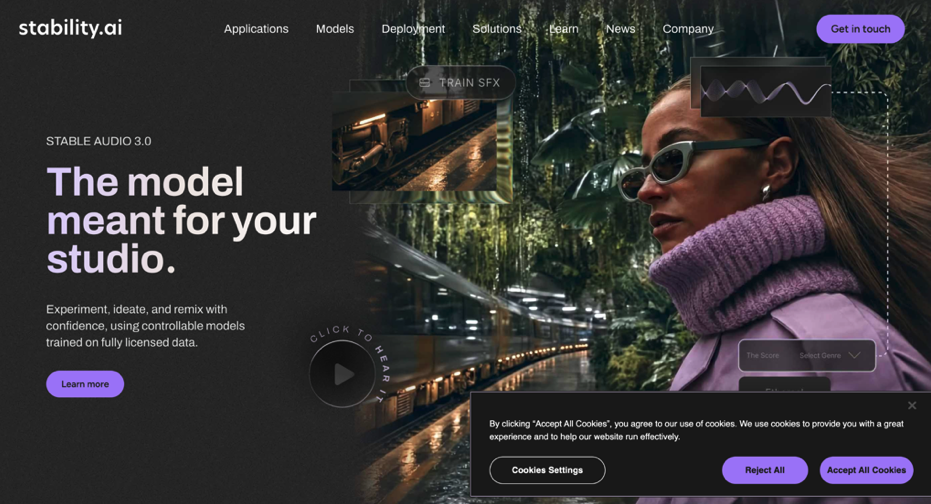
Worth considering if you have developer support and need bulk variations generated programmatically. Include build and review time when comparing its cost against a browser-based tool, because that is where the comparison usually turns.
What free tiers actually give you
Almost every platform here offers one, and almost none of them will run a campaign.
The pattern is consistent across the category. Free tiers watermark output, cap resolution and exclude commercial use entirely, which means an asset you generate for free is generally not legal to publish. They are evaluation tools, and useful ones, but budgeting on them is a mistake.
Getimg.ai’s entry paid tier starts at $8 a month on annual billing and carries commercial rights, which makes it cheaper than most free tiers are useful. Run the same brief through two or three platforms, count the credits a finished deliverable actually consumed, then size a plan against real monthly volume rather than an optimistic one.
The number that matters is not credits per month. It is credits per finished, approved asset, and revisions are where the gap between those two opens up.
The rights question most listicles skip
This is where marketers get caught, and it deserves more attention than feature comparisons.
Commercial use is frequently restricted to paid tiers, so a free-plan asset may not be legal to publish. Beyond that, several platforms grant commercial use under an open licence with conditions attached rather than transferring ownership outright, which is not the same thing as owning the output.
Three checks before anything ships. Confirm the terms attached to your specific tier rather than the platform generally, and check watermark rules for that same tier.
Then confirm whether a particular model is available in your region and on your subscription. Model availability shifts, and a campaign built around one you later lose access to is an expensive lesson.
Three workflow playbooks
Launch sprint. Develop the hero concept in a still-image model, build the wider campaign set in a consolidated workspace so references stay consistent, then produce the fifteen-second cut. Finish with resizing, captioning and a rights review before anything goes live.
Always-on performance. Refresh ads weekly from one shared library so brand references do not drift. Test a small number of hooks per cycle and record which prompts, formats and export settings actually performed.
Localization. Generate the base asset once, then produce regional variants rather than rebuilding per market. Where speech generation sits in the same workspace as the visuals, voiceover variants can be produced against the same asset instead of routed through a separate platform. Confirm supported languages and any consent requirements around synthetic voice before scaling it.
Where tool choice stops mattering
Worth keeping in perspective. The same efficiency logic that reshaped production lines is now reshaping creative workflows, and it arrives with the same lesson. Generative tools have made content cheap to produce, and the constraint has moved downstream to selection, timing and trust.
Grand View Research put the generative AI content creation market at $14.8 billion in 2024 with projected growth to $80.12 billion by 2030, and that content abundance changes what is scarce. The teams that win will not be the ones producing the most assets.
Pick one or two tools your team can learn properly. Track credits, editing time and approval friction across a real project, then expand only once the process repeats reliably.
FAQ
What is the best AI image and video generator for marketers?
There is no single answer, which is why this list is organised by purpose. For teams producing several formats, a consolidated workspace such as Getimg.ai handles image, video, music and speech in one subscription from $8 a month on annual billing.
For cinematic video specifically, Runway and Luma go deeper. For teams already standardised on Adobe or Canva, staying inside that stack usually beats switching.
Are AI-generated assets safe to use commercially?
It depends on the provider, the model and your subscription tier. Many platforms restrict commercial use to paid plans, and some grant it under an open licence with conditions rather than transferring ownership. Read the terms for your exact plan before publishing.
Can free tiers support real campaigns?
They are good for testing concepts and workflows. Credit limits, resolution caps and watermarks generally make them unsuitable for sustained campaign production, and commercial use is often excluded entirely.
How do credits translate into finished assets?
Credit consumption varies by model, resolution, duration and number of revisions, and revisions are usually the larger cost. Estimate monthly volume, then run one representative brief to see what a finished deliverable actually costs.
Do unused credits roll over?
Usually not. Getimg.ai states plainly that plan credits do not roll over month to month, and most credit-based platforms operate the same way. Size your plan to typical output rather than peak months.
Should I use one platform or several?
Start with one or two. Every additional tool adds a credit pool to monitor, a licence to check and an export step between systems, and that overhead compounds faster than most teams expect.
